
Windows 11 How to Screen Capture Commands
Windows 11 How to Screen Capture Commands
英語 English:Screen capture
日語 Japanese:スクリーンキャプチャ (すくりーんきゃぷちゃ)
類義 Synonym:Display capture Display save image Browser capture
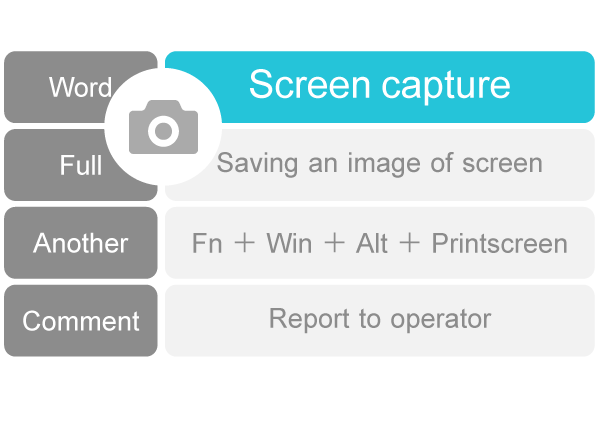
コマンド Command:Fn+Win+Alt+Printscreen
意味 Meaning:Screen capture is the process of saving an image of the screen as you see it.
解説 Commentary:In Windows 11, you can capture a screen by pressing Fn+Win+Alt+Printscreen at the scene you want to save.
Screen capture is used in situations where you want to save the screen as evidence or to report a problem to the operator.
ウインドウズ11 Windows 11 How Screen capture:
| Target | Command |
|---|---|
| Window | Fn+Win+Alt+Printscreen |
| Full screen | Fn+Win+Printscreen |
多言語対応 Multilingualism:
韓文 Hanguel:한글 스크린캡처 (スクリンケッチョ) 발음 스크린캡처 (スクリンケッチョ) RR2000 seukeurinkaepcheo MR1937 sŭk’ŭrink’aepch’ŏ
中文 Chinese:繁体 截屏軟件 簡体 截屏软件 (jiépíngruǎnjiàn jie2ping2ruan3jian4 ジエピンルアンジエン)
探究 Further study:
質問と回答